
Best Crypto Cold Wallet 2026: Top Picks Matched to How You Hold

 Prefer us on Google


For most beginners, the best crypto cold wallet in 2026 is a Trezor Safe 3 or Safe 5. Both are open source, use an EAL6+ certified secure element, and are simple to set up. Other holders are better served elsewhere. If you manage crypto mainly from your phone, a Ledger fits better. If a 24-word seed phrase worries you, Tangem is the easier choice. Air-gapped multi-chain users should look at Keystone, and Bitcoin-only holders at Coldcard. This guide explains what a cold wallet is and uses three questions to narrow the choice. It then covers six wallets matched to holder types, the mistakes that cause most real losses, and how to move coins from an exchange onto your device.
What Is a Crypto Cold Wallet?
A crypto cold wallet is a device or setup that keeps your private keys offline. Your coins never leave the blockchain. What the wallet protects is the key that authorizes spending them. Because the key never touches an internet-connected computer or phone, malware on those machines cannot copy it.
A hot wallet (a browser extension or mobile app) stores the key on an online device. That makes it convenient for frequent use, but it is exposed to anything that compromises the device. An exchange account is a third model: the exchange holds the keys and you hold a login. It is the most convenient option for active trading, but your coins depend on the platform.
Most modern cold wallets are hardware wallets. When you send crypto, your phone or computer builds the transaction, the hardware wallet signs it internally, and only the signature goes back out. The physical button press or screen tap on the device is the final check, and that is why reading the device screen matters so much (more on that below).
When you set one up, the wallet generates a seed phrase: 12 to 24 words that can rebuild your keys on any compatible device. The hardware can be replaced; the seed phrase cannot. If you want a refresher on how recovery phrases work, see WEEX's seed phrase explainer.
Three Questions That Narrow Your Choice
Most "best cold wallet" lists offer 10 or more devices that look interchangeable. These three questions rule most of them out:
- What do you actually hold? If you hold only Bitcoin, a Bitcoin-only device removes code, and fewer features means less that can go wrong. If you hold Ethereum, Solana, stablecoins, or DeFi positions, you need wide chain support and good integration with wallet apps such as MetaMask or Rabby.
- Where will you sign transactions? If you manage everything from your phone, Bluetooth or NFC matters. If you sign rarely, from a desktop, USB is fine. If you want no cable or radio connection at all, choose an air-gapped device that signs through QR codes or a microSD card.
- How do you want to handle backup? A seed phrase on paper or metal is the standard, and it is portable across brands. Some wallets offer card-based or multi-share backups that avoid a single written phrase, but each option shifts the risk rather than removing it.
Answer those three and the list below usually comes down to one or two devices.
Best Crypto Cold Wallets in 2026, by Holder Type
The price ranges below are approximate list prices from 2026 reviews. Regional pricing and promotions vary, so confirm on the manufacturer's official store. Buy only from the manufacturer or its authorized resellers.
Trezor Safe 3 and Safe 5: Best for Most Beginners
Trezor's Safe line suits the reader who holds a mix of major coins and wants the most transparent option. Firmware is open source, and both the Safe 3 (around $79, two-button OLED) and Safe 5 (around $169, color touchscreen) use an EAL6+ certified secure element. The Trezor Suite app handles sending, receiving, and staking, and the devices work with third-party wallets for DeFi.
The main trade-off is connectivity. The Safe 3 and Safe 5 are USB-C only, so mobile use is limited. The newer Trezor Safe 7 adds Bluetooth, a larger screen, and an auditable TROPIC01 secure element alongside an EAL6+ chip. It costs more, so it makes sense only if you want Trezor's approach with wireless phone use.
Ledger Nano X and Flex: Best for Mobile-First Users
Ledger's range fits people who manage crypto from their phone. The Nano X (around $149) connects over Bluetooth. The Flex (around $249) and the newer Nano Gen5 add E Ink touchscreens, Bluetooth, and NFC, which makes reading transaction details much easier than on a tiny OLED. Ledger's app ecosystem and chain coverage are among the broadest available.
Know the trade-offs before buying. Ledger's secure element firmware is not fully open source. In 2020, a customer database leak exposed the names and home addresses of about 270,000 buyers. Many of them were later targeted with phishing mail. In 2023, the optional Ledger Recover service caused controversy because it showed that firmware could, with user consent, export encrypted seed shares. You can use a Ledger without Recover, but you should understand what you are opting into.
Tangem: Best If You Never Want a Seed Phrase
Tangem is a set of NFC cards (around $55–$70 for a two- or three-card set) that you tap against your phone. The private key is generated on the card, and backup works by keeping a second or third card somewhere else instead of writing words down. For beginners who find a seed phrase more intimidating than helpful, that is a real usability advantage.
The trade-off is that the cards themselves are the backup. If you lose every card, you lose access. The model also depends on Tangem's mobile app. Anyone who wants a device with its own screen should look elsewhere.
Keystone 3 Pro: Best Air-Gapped Multi-Chain Wallet
Keystone 3 Pro (around $149–$169) never connects to your phone or computer through USB, Bluetooth, or Wi-Fi. Transactions pass back and forth as QR codes, and the device has three secure element chips and open-source firmware. It works with more than 45 software wallets, including MetaMask, Rabby, Keplr, and Solflare, so it fits users who are active in DeFi across several chains.
Scanning QR codes adds a step to every transaction. If you sign several times a day, that friction adds up.
Coldcard Q and Mk4: Best for Bitcoin-Only Holders
Coldcard supports only Bitcoin, and that is deliberate. The Mk4 (around $149) and the Q (around $249, with a full keyboard, larger screen, and QR scanning) can run fully air-gapped via microSD and use two secure elements from different vendors. They also include advanced features such as a duress PIN, which opens a decoy wallet if someone forces you to unlock the device.
It is built for users who want maximum control and are comfortable with Bitcoin-specific tools such as Sparrow. For a complete beginner it has the steepest learning curve on this list.
NGRAVE ZERO: Best If Budget Is Not the Constraint
NGRAVE ZERO (around $398) holds an EAL7 security certification, the highest level, which few consumer wallets carry. It is fully air-gapped and includes a fingerprint sensor. The premium mostly buys certification and build quality. Reviewers consistently rate its app experience rougher than Trezor's or Ledger's, and for most users an EAL6+ device handled carefully offers the same practical protection.
The short version: If you're unsure, start with a Trezor Safe 3 or Safe 5. Switch to Ledger if you need phone-first use, to Tangem if a seed phrase is the barrier, to Keystone for air-gapped DeFi, or to Coldcard if you hold only Bitcoin.
-- Price
How Cold Wallet Users Actually Lose Money
Security reviews focus on chip certifications, but almost nobody loses funds because someone cracked a secure element. The real losses come from the process around the device:
- Photographing or typing the seed phrase. A seed phrase saved in cloud photos, a notes app, or a password manager is no longer cold. Write it down on paper or stamp it into metal. Store it away from the device, and never enter it on a website.
- Buying from marketplaces. Tampered Ledger devices with swapped internals have turned up on third-party marketplaces. A wallet that arrives with a pre-filled seed card has been compromised by design.
- Fake "support" and firmware prompts. After the 2020 Ledger leak, buyers received letters and even fake replacement devices asking them to "verify" their seed. No legitimate wallet company will ever ask for it.
- Blind signing. Approving a transaction you cannot read on the device screen, especially a DeFi token approval, hands control to whatever the connected website requested. If the screen shows a raw hex string instead of readable details, stop.
- Address poisoning. Scammers send tiny transfers from addresses that match the first and last characters of one you use, hoping you will copy the wrong one from your history. Check the full address on the device screen, not just the ends.
A cold wallet protects the key. You still have to protect the process around it.
How to Move Crypto From WEEX to a Cold Wallet
A common setup is to keep active trading funds on the exchange and send long-term holdings to cold storage. For your first transfer, follow these steps:
- Set up the device fully first. Initialize the wallet, write down the seed phrase, and set a PIN. Then check that you can recover. Some devices offer a built-in seed check; alternatively, write down a receive address, wipe the device, restore it from your words, and confirm the same address comes back.
- Get a receive address from the device. Open the matching coin account in the wallet's app and request a receive address. Confirm that the address shown in the app matches the one on the hardware screen exactly.
- Pick the correct network on WEEX. In the WEEX withdrawal screen, choose the coin and the blockchain network your wallet supports for that asset, for example Bitcoin mainnet for BTC or the right chain for USDT. A mismatched network is the most common way beginners lose funds. WEEX's guide to withdrawing funds walks through each screen.
- Send a small test amount first. Withdraw a small amount, wait for it to arrive in the wallet app, and only then send the rest. The extra network fee is cheap insurance.
- Record the transaction. Save the transaction hash and date. You will want them for tax records and for tracing any problem.
If you still hold assets you trade often, keeping part of your portfolio on the exchange is reasonable. Cold storage is for coins you plan to leave alone. For a broader comparison of wallet types, including hot wallets for daily DeFi use, see WEEX's best crypto wallet overview for 2026.
Is a Cold Wallet Worth It for You?
A useful rule of thumb: once your long-term holdings are worth more than you would be comfortable losing to one phishing link, a hardware wallet costing $55–$170 is worth buying. Below that level, a well-secured exchange account with two-factor authentication and a withdrawal whitelist may be enough, and it avoids self-custody mistakes.
Cold storage also has real costs. You are fully responsible for backups. Moving funds takes longer, which matters if you trade actively, and a lost seed phrase cannot be recovered by anyone. The best crypto cold wallet is the one you will set up correctly and keep using. For most beginners that means a simple, well-known device, a seed phrase kept offline, and a habit of reading the screen before every approval.
FAQ
1. Can you lose crypto in a cold wallet?
Yes, though rarely through hacking. Most losses come from a lost or leaked seed phrase, approving a malicious transaction, sending to the wrong address or network, or buying a tampered device.
2. What happens if my cold wallet breaks or gets lost?
Your crypto stays on the blockchain. Buy a new compatible device, or any wallet that supports your seed phrase standard, and restore it with your recovery words or backup cards. Without that backup, the funds cannot be recovered.
3. Is a cold wallet better than keeping crypto on an exchange?
They solve different problems. A cold wallet removes platform risk and gives you full control, which suits long-term holdings. An exchange suits active trading because funds are available instantly. Many users keep both.
4. Does my crypto keep earning or growing in a cold wallet?
Its market value moves with the price, just as it would anywhere else. Some coins can also be staked directly from a hardware wallet through the wallet's app, but staking rules, lock-ups, and rewards vary by network.
Risk Warning
Crypto assets are highly volatile and can result in partial or total loss. Self-custody moves responsibility entirely to you. A lost, damaged, or exposed seed phrase, a transfer on the wrong network, or approval of a malicious smart contract can cause permanent loss with no way to reverse it. Hardware wallets can be counterfeited or tampered with before delivery, so buy only from official sources. Device prices, features, and firmware change over time. Check current details with the manufacturer. This article is for education only and is not financial or investment advice.
This content is provided for general informational purposes only and doesn't constitute financial, investment, legal, or tax advice. Any events, rewards, online promotions, or related information mentioned herein should not be considered a recommendation, solicitation, or invitation to purchase, sell, trade, or otherwise deal in any crypto assets. Crypto assets are highly volatile and may result in loss. The availability of WEEX services, products, and related events may vary by region. You are responsible for ensuring that your participation is in accordance with applicable local laws and regulations.
You may also like
How to Connect Phantom Wallet to a Solana DApp
How to Install and Set Up Phantom Wallet
Funding Rate Crypto: What BTC and ETH Are Paying Right Now

INTC Stock Surged 14%: Intel Only Has Enough Chips for Half Its Clients
XPL Unlock on Sept 25: How to Long or Short Plasma Futures Safely
Bitcoin Funding Rate After a $648M Short Squeeze: What Longs Pay
What Is Blockchain Technology? Follow One Transaction to See
How Does Mining Actually Work on Pi Network?
What Is Pi Network? A Complete Beginner's Guide
How to Look Up a Wallet Address and Transaction History
Funding Rate Explained: How Perpetual Futures Fees Hit Your PnL
PENGU Airdrop on WEEX: Get 10 USDT in PENGU Before October 6
BTC Futures Trading on WEEX: Claim BTC Rewards Before Sep 25
What Is a Funding Rate? How Perpetual Futures Charge Longs and Shorts
How Does WEEX KYC Verification Work? A Taiwan User Guide
Macro Protocol (MTP): Listing Status and a Safe Verification Guide
Lumentum (LITE) Perpetual Futures: Why 25x Leverage Is the Limit
Lisk Chain Shutdown October 31: How to Move LSK Safely
What Is BONK? WEEX Spot and 1000BONK Futures Status and Risk Checks
What Is BRETT? WEEX Spot and Futures Status and Risk Checks
What Is FLOKI? WEEX Spot and 1000FLOKI Futures Status and Risk Checks
What Is WIF (dogwifhat)? WEEX Spot and Futures Status and Risk Checks
How to Test a Trading Strategy on WEEX Demo Before Going Live
WEEX API Key Setup: Permissions, IP Binding and Key Limits

CoinEx Is Closing: Shutdown Timeline and How to Withdraw Before September 29, 2026
Lost Your 2FA Device? Here's What to Do Next
Senate CLARITY Act Cloture Vote Today: Can Trump's Ethics Compromise Get 60 Votes?
Trust Wallet vs MetaMask: Which One Is Better for Beginners?
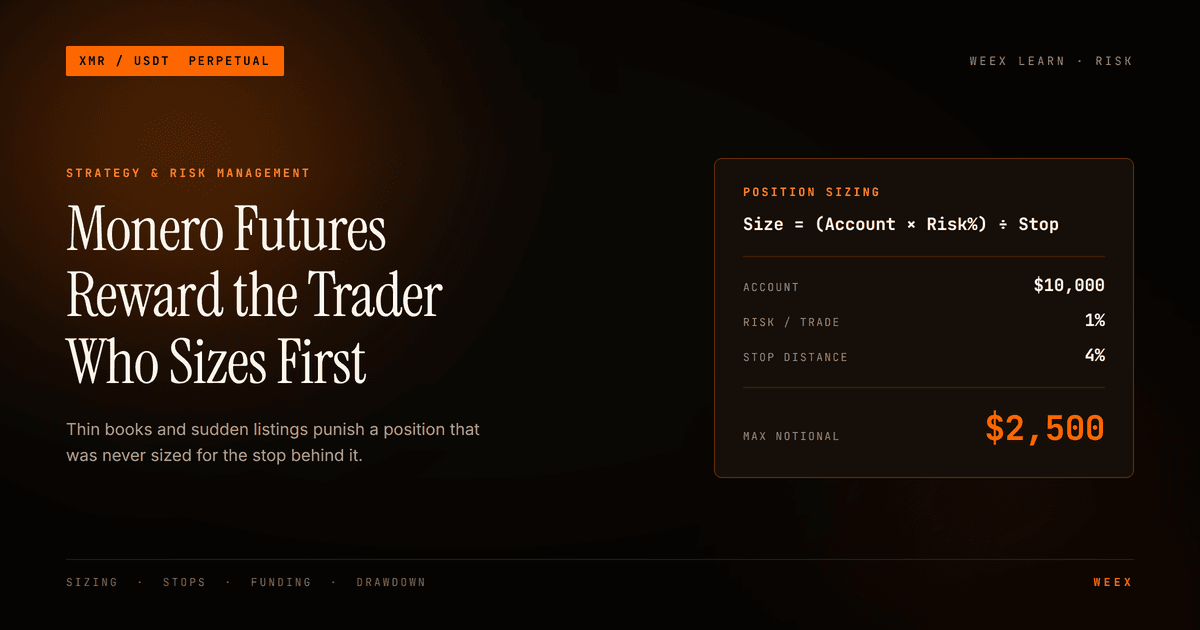
Monero Futures Trading: The Liquidity Risk Guides Ignore
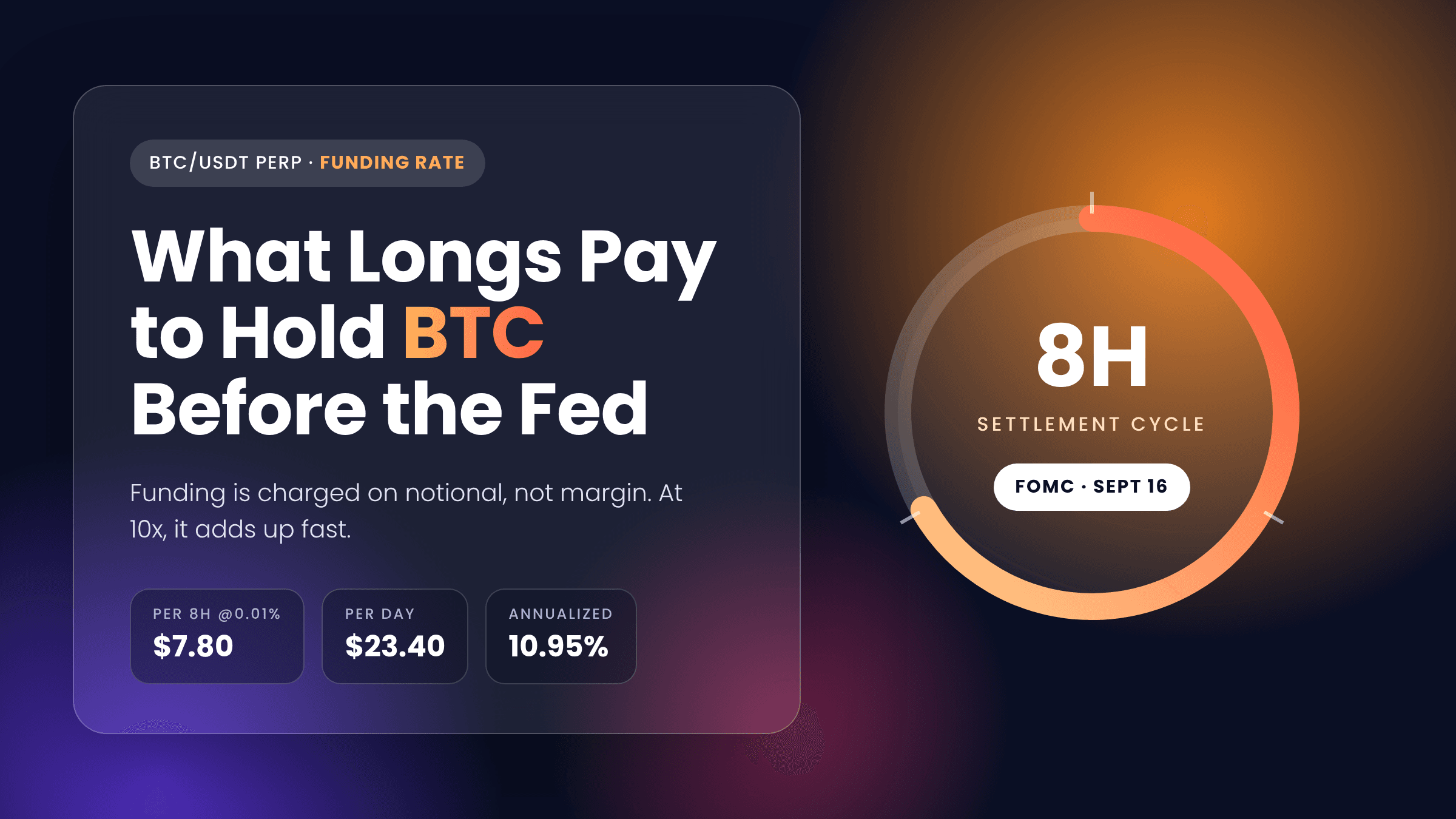
Bitcoin Funding Rate Before the Fed: What Longs Pay to Hold BTC
How to Connect Phantom Wallet to a Solana DApp
How to Install and Set Up Phantom Wallet
Funding Rate Crypto: What BTC and ETH Are Paying Right Now
INTC Stock Surged 14%: Intel Only Has Enough Chips for Half Its Clients
XPL Unlock on Sept 25: How to Long or Short Plasma Futures Safely
Bitcoin Funding Rate After a $648M Short Squeeze: What Longs Pay





