How to Trade Futures on WEEX: A Complete Guide for Beginners

 Prefer us on Google
Futures trading on WEEX provides a thrilling chance to predict cryptocurrency price movements, enabling potential profits in both bullish and bearish markets. If you’re ready to elevate your crypto trading, futures could be an excellent choice. This detailed guide walks you through trading futures on WEEX, building on basics from our articles on account setup, security, and spot trading. Let’s get started with futures trading on WEEX today!
What Are Futures Contracts?
Before diving into WEEX futures trading, it’s crucial to grasp what a futures contract entails. Simply put, a futures contract is an agreement to buy or sell a cryptocurrency at a set price on a future date. Unlike spot trading, where trades execute instantly at current prices, futures let you bet on price trends, offering flexibility to profit from rising or falling markets.
Why Choose WEEX for Futures Trading?
WEEX stands out as a prime platform for futures trading with these features:
Sophisticated Tools: As noted in our spot trading guide, WEEX provides user-friendly charts and data for smarter market analysis.
Affordable Fees: Competitive fees for futures trading help you keep more of your earnings.
Leverage Flexibility: Trade with leverage to control larger positions with less capital, though risks must be understood.
Top-Notch Security: WEEX offers advanced protocols and Two-Factor Authentication (2FA) to keep your account and funds secure.
Guide to Trading Futures on WEEX
Ready to trade? If you’ve followed our guides on creating a WEEX account and enabling 2FA, you’re set to begin futures trading. Here’s how:
Step 1: Sign Into Your WEEX Account
If you don’t have an account, check our guide on setting up a WEEX account. Once logged in, go to the Futures Trading section from the dashboard.
Step 2: Get to Know the Futures Interface
Entering the futures trading area, you’ll see a more advanced interface than spot trading, featuring:
Order Book: Lists all active buy and sell orders for your chosen futures contract.
Position Details: Displays your open futures positions, including leverage, margin, and unrealized gains or losses.
Trading Pair: Pick the crypto futures pair to trade, like BTC/USDT.
Charts & Analytics: Real-time price charts and indicators to guide your market decisions.
Step 3: Select a Futures Contract and Pair
Choose the futures pair you want to trade, such as BTC/USDT Futures or ETH/USDT Futures. Click your preferred pair to access trading options.
Step 4: Set Leverage and Order Type
Futures trading on WEEX allows leverage, letting you manage larger positions with less capital, though it increases risks. Here’s how to configure it:
Pick Leverage: Choose your leverage level based on your risk comfort. WEEX offers various leverage options for different pairs.
Select Order Type:
Market Order: Executes instantly at the current market price.
Limit Order: Executes only at your specified price.
Pro Tip: Leverage carries liquidation risk. If the market moves too far against you, your position may be closed, costing your initial funds.
Step 5: Place Your Futures Order
With leverage and order type set, proceed to place your order:
Specify the Amount: Enter the quantity of the asset you want to trade.
Verify Details: Check the amount, leverage, and order type.
Choose Buy or Sell: Click Buy for a long position (betting on price increase) or Sell for a short position (betting on price decrease).
Step 6: Track Your Futures Position
Monitoring your position is critical after placing an order. The Position Information section shows:
Profit/Loss: Real-time updates on your unrealized gains or losses.
Margin Status: Monitor your margin to avoid liquidation or margin calls.
Stop-Loss & Take-Profit: Set these orders to automate exits and control risks.
Step 7: Close Your Position
When ready to exit your position:
Access Position Information: Locate the futures contract you wish to close.
Select Close: Click Close Position, and WEEX will finalize the trade at the current market price.
Tips for Effective Futures Trading on WEEX
Master Leverage: Understand that leverage boosts both gains and losses before using it.
Set Stop-Loss Orders: Use stop-losses to cap potential losses and protect your funds.
Manage Risks: Only trade what you can afford to lose, starting small if new to futures.
Stay Informed: Leverage WEEX’s real-time data, charts, and indicators for smarter decisions.
Conclusion: Begin Futures Trading on WEEX Now
Futures trading on WEEX opens doors to profit from crypto price swings with added flexibility. This guide equips you with the steps and tools to trade futures confidently.
Join WEEX today and advance your crypto journey with futures trading!
Frequently Asked Questions
What Is Futures Trading?
Futures trading involves contracts to buy or sell crypto at a set price on a future date, letting you speculate on price changes.
Can I Use Leverage for Futures on WEEX?
Yes, WEEX provides leverage options, allowing larger positions with smaller investments.
How Do I Place a Futures Order on WEEX?
Select a pair, set leverage, choose Market or Limit order, enter the amount, and click Buy or Sell.
What Risks Come with Leveraged Futures?
Leverage amplifies profits and losses, with a risk of liquidation if the market moves against you, wiping out your investment.
How Can I Track My Futures Position?
Check the Position Information section for real-time profit/loss, margin levels, and other key metrics.
This content is provided for general informational purposes only and doesn't constitute financial, investment, legal, or tax advice. Any events, rewards, online promotions, or related information mentioned herein should not be considered a recommendation, solicitation, or invitation to purchase, sell, trade, or otherwise deal in any crypto assets. Crypto assets are highly volatile and may result in loss. The availability of WEEX services, products, and related events may vary by region. You are responsible for ensuring that your participation is in accordance with applicable local laws and regulations.
You may also like

Are Bitcoin Lightning Wallets Safe? 5 Security Warnings Since August
How to Buy ANT Stock on Day One: What Is Confirmed

Anthropic IPO: ANT Date, Price Range and Valuation

Jensen Huang Comeback Reports: Petition, War Room and Nvidia’s Response
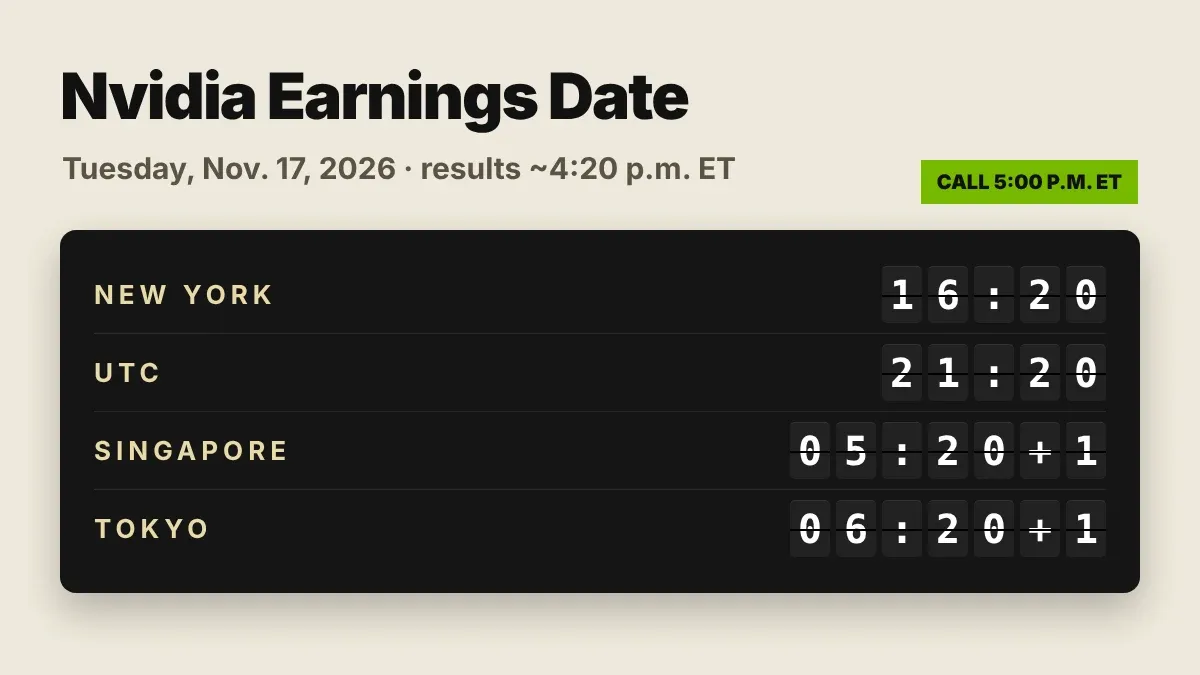
Nvidia Earnings Date: Nov. 17, 2026 After the Bell, in Every Zone
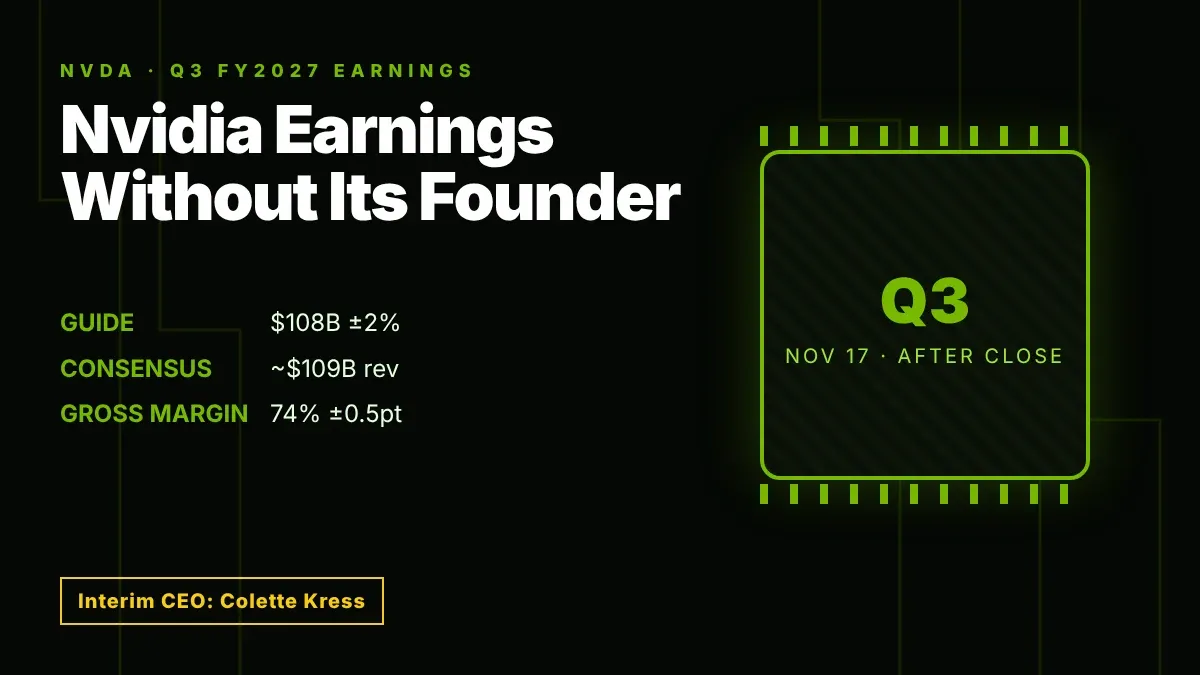
Nvidia Earnings Preview: Q3 Results Land Days After Huang's Exit
Powell Speech Bitcoin: Why Warsh, Not Powell, Moves BTC in 2026
Fed Rate Cut December 2026? Why Markets Now Price a Hike Instead
Fed Rate Decision Bitcoin: How BTC Reacted to Every 2026 Call
Nebius Cuts 2026 Revenue Outlook: Are Data Center Delays a Threat to NBIS?

BTC Staking in a Crash: What It Protects and What It Does Not
WXT Burn Q3 2026: WEEX to Burn 65,228,631 WXT on November 16

ACKET Token Surges 1,000% After Jensen Huang Resigns: What Is Confirmed
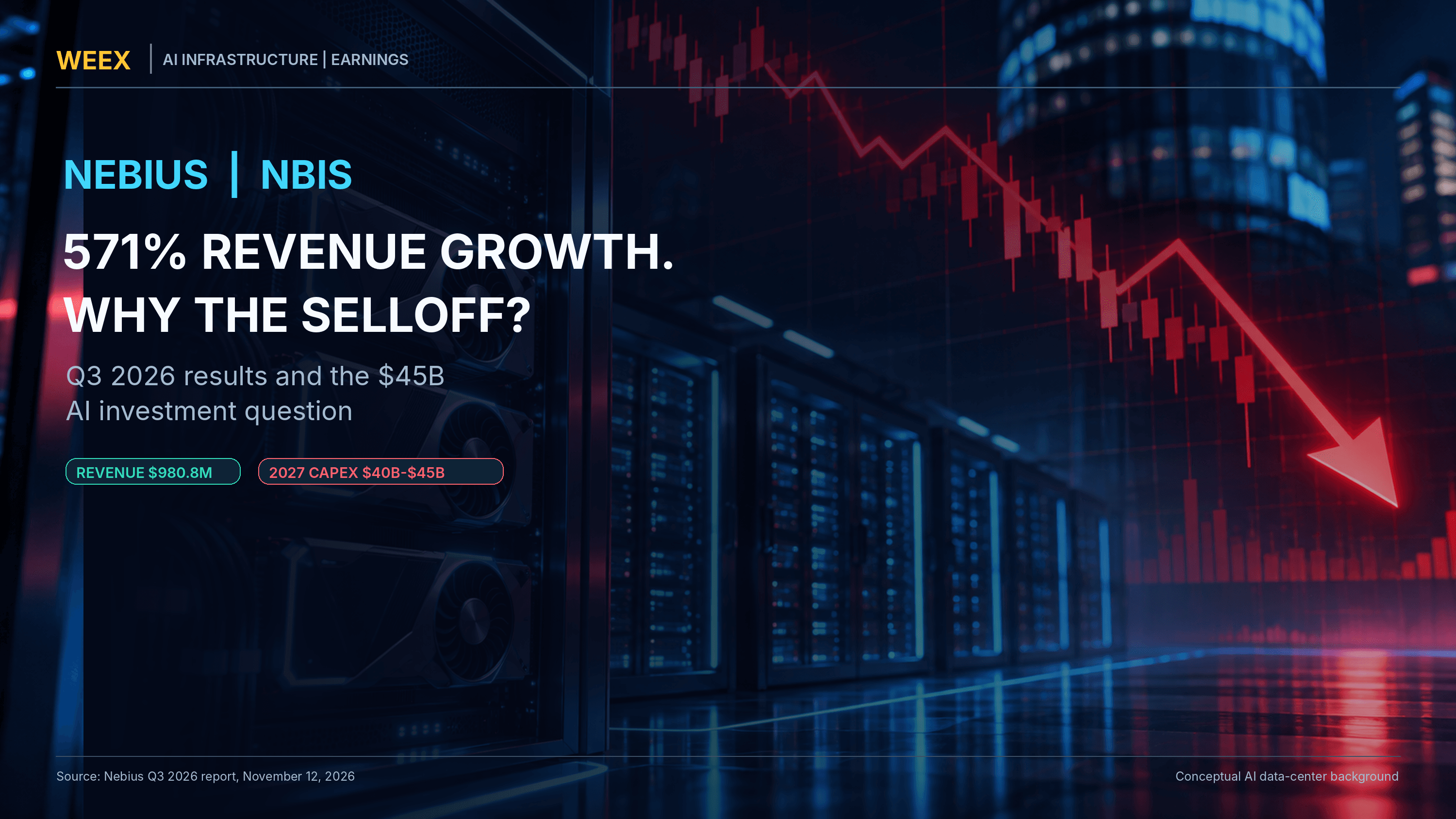
Why Did Nebius Stock Crash Despite 571% Revenue Growth? NBIS Q3 Earnings Explained
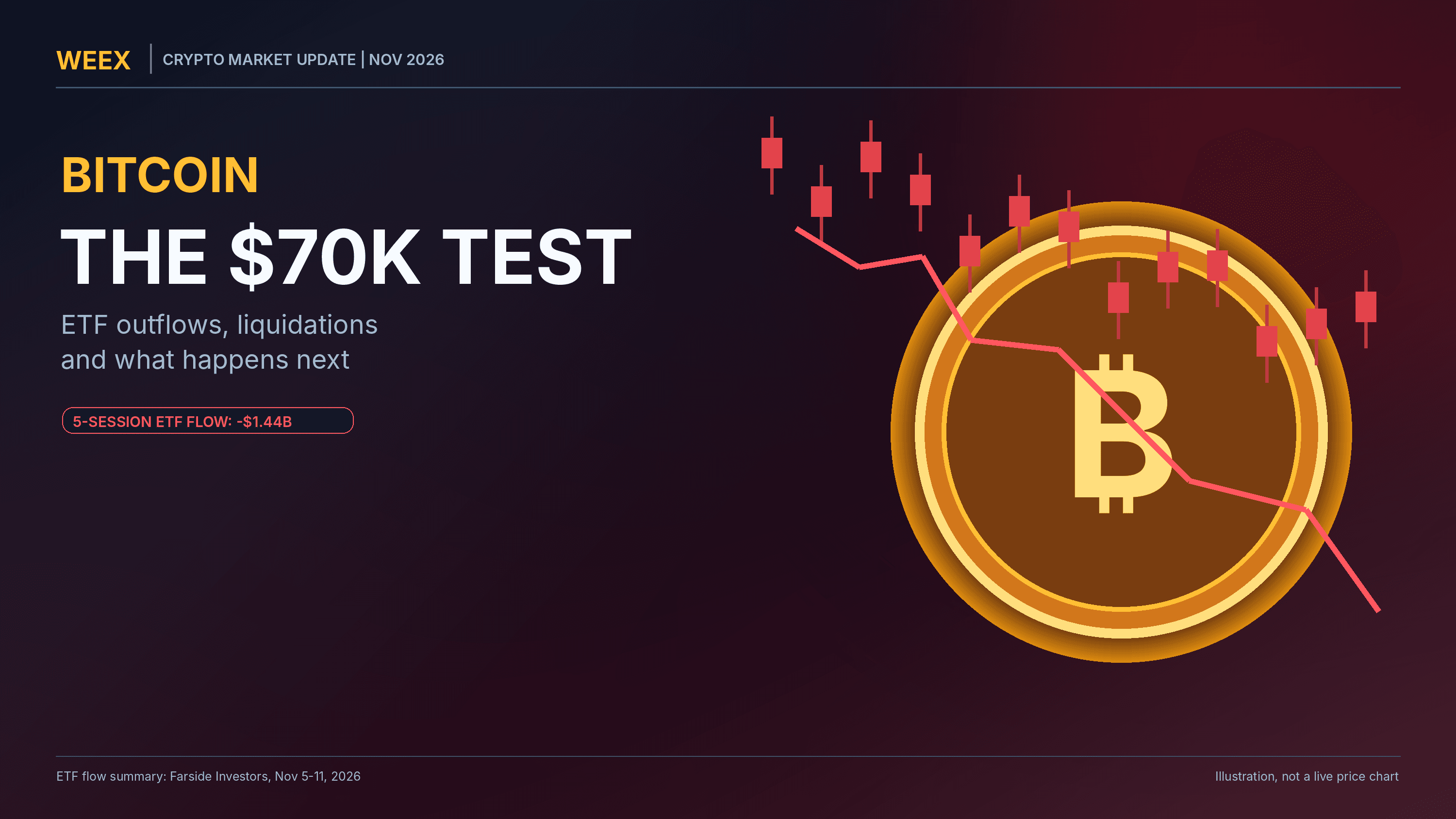
Bitcoin Falls Toward $70K: ETF Outflows, Liquidations and What Happens Next
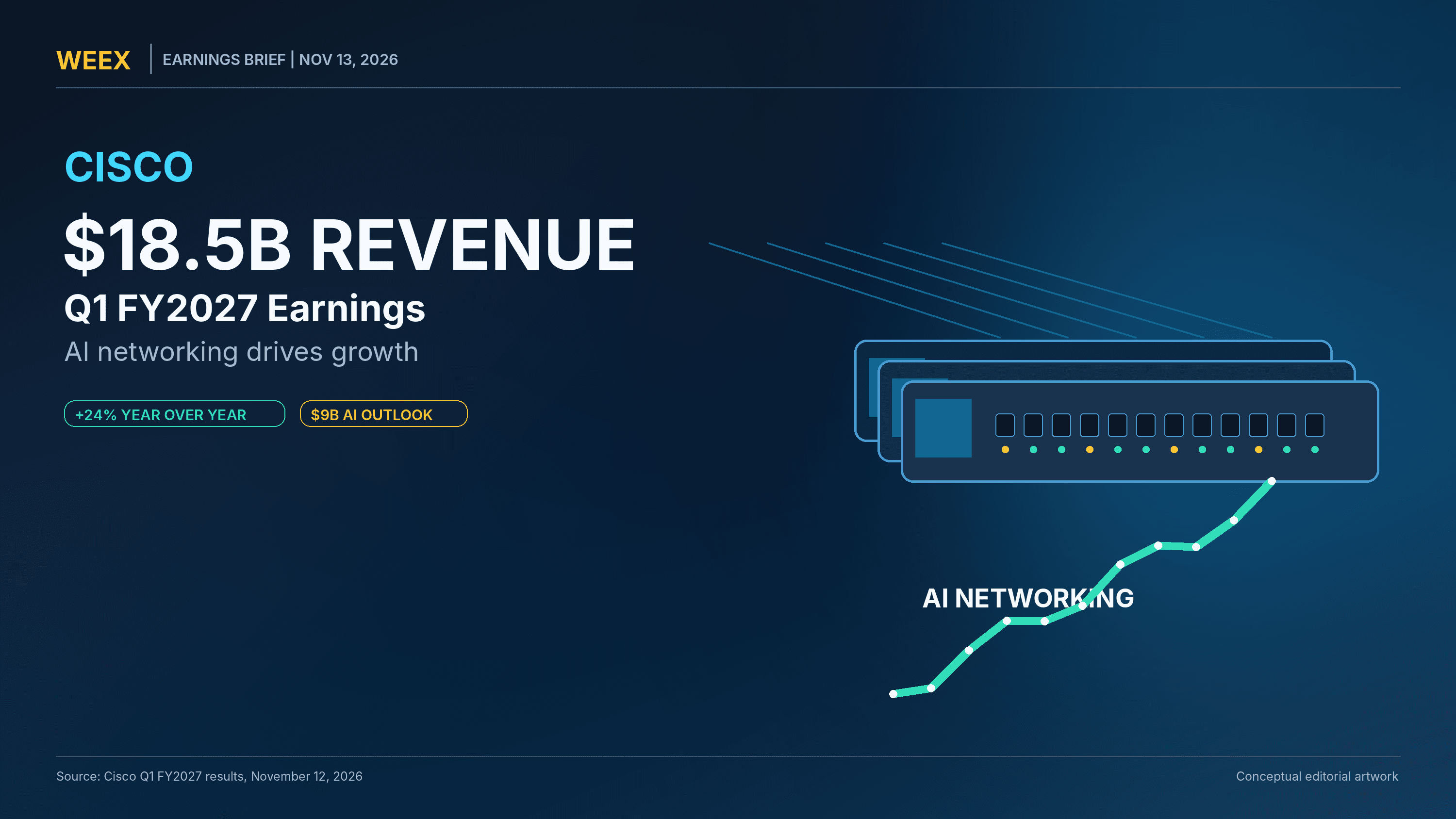
Cisco Q1 FY2027 Earnings: $18.5B Revenue, $9B AI Outlook and CSCO Stock Reaction
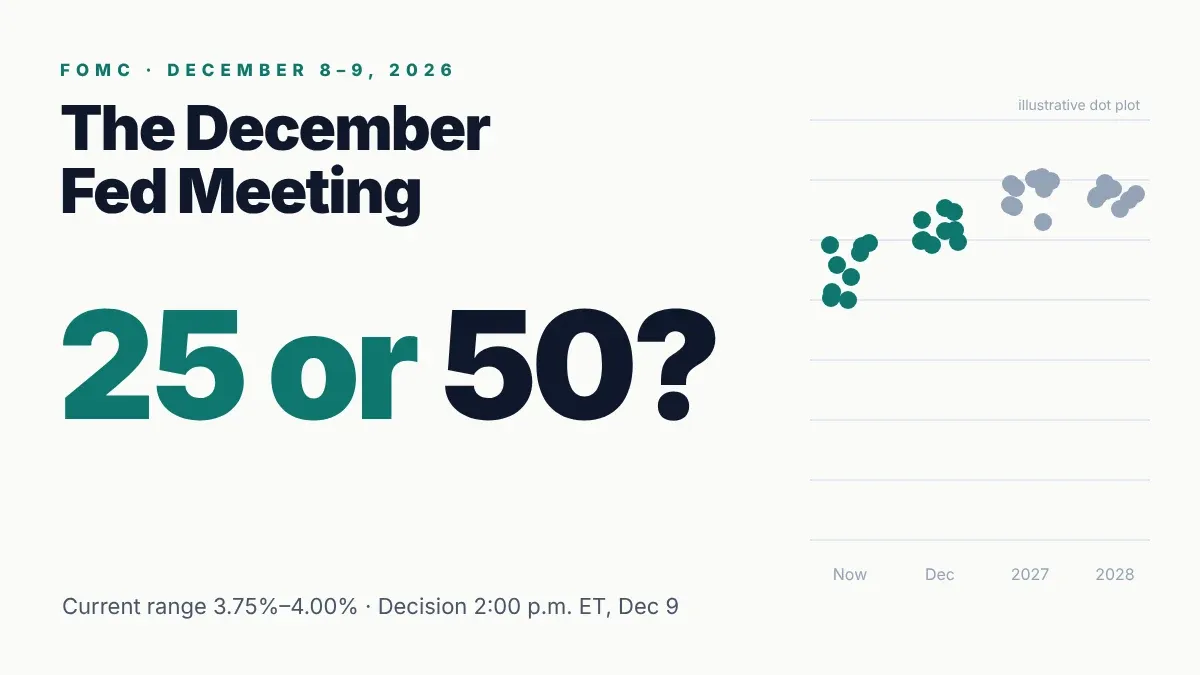
December FOMC Meeting 2026: Dec. 8-9 Rate Hike, 25 or 50 Bps?
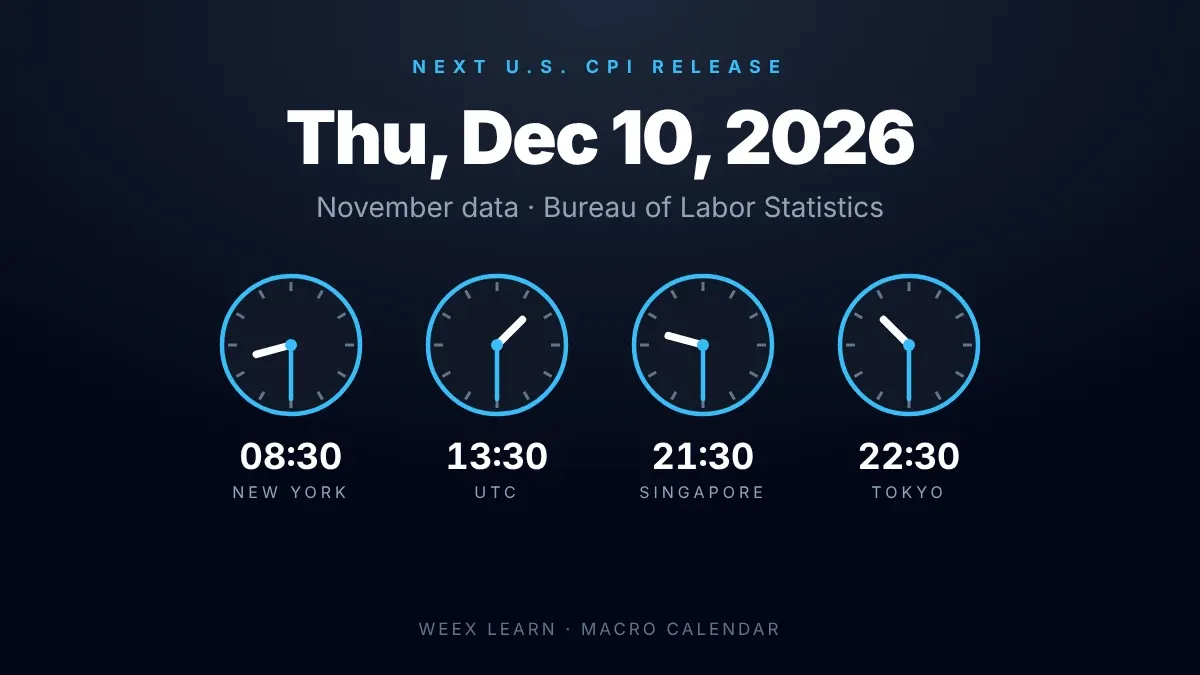
CPI Release Date: Next Report Dec. 10, 2026 at 8:30 a.m. ET
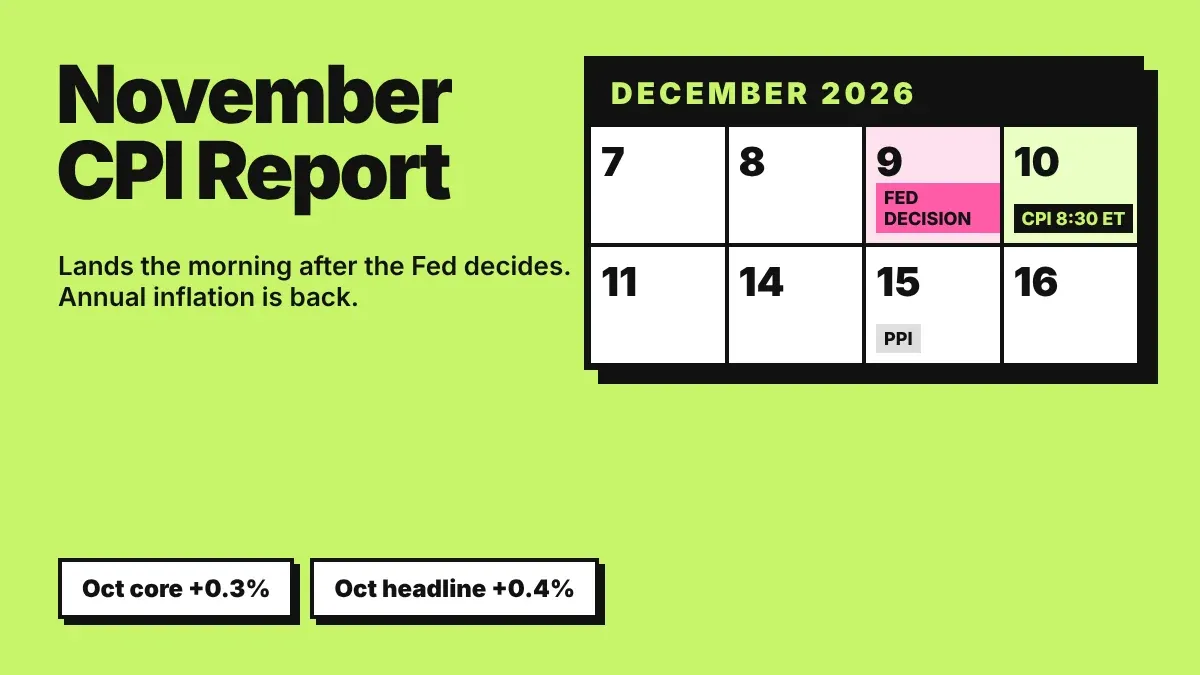
November CPI Report: Dec. 10 Release Lands After the Fed Decides
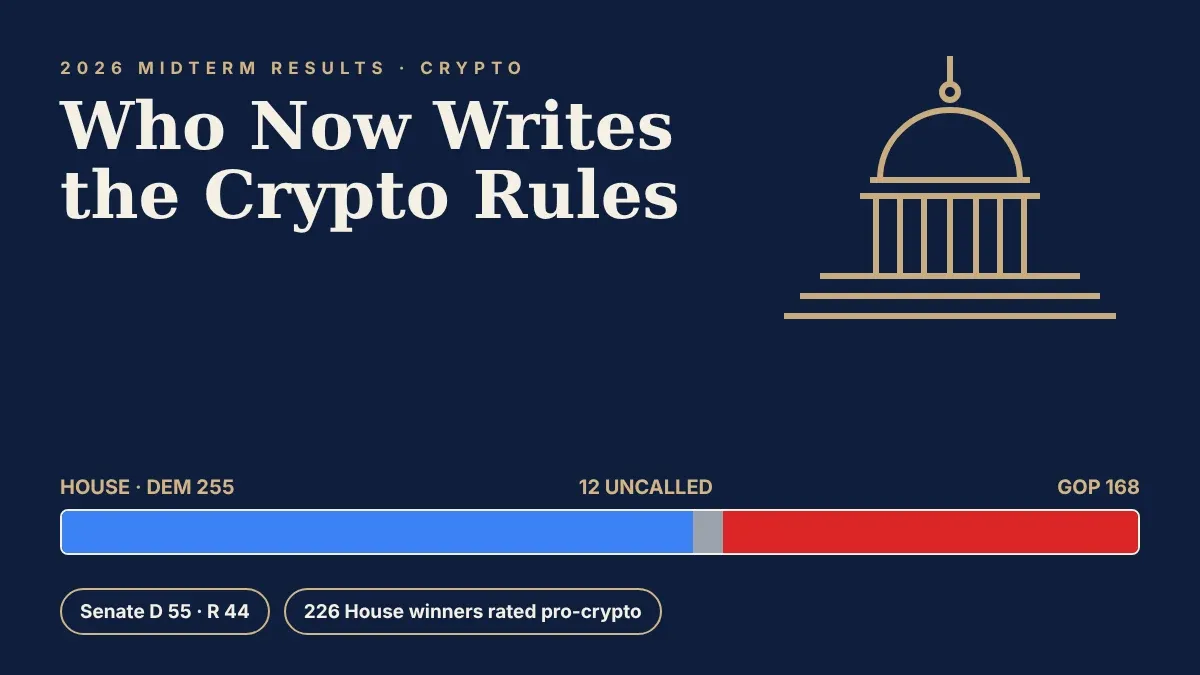
Midterm Election Results Crypto: Who Now Controls Crypto Policy
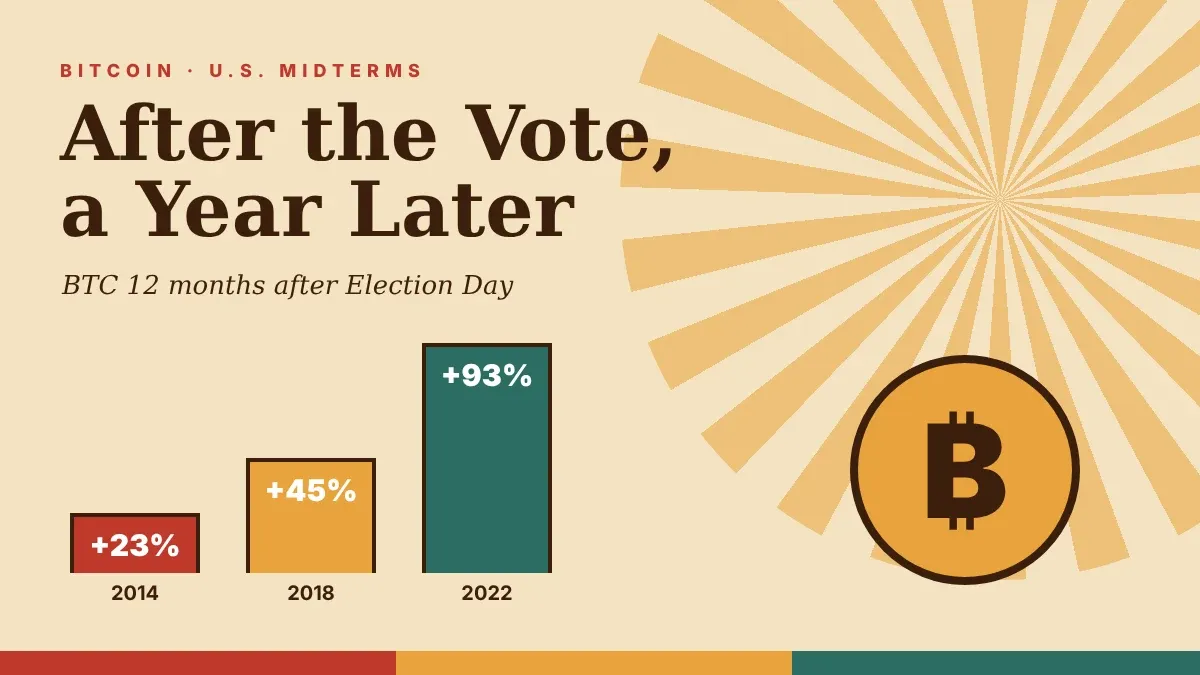
Midterm Elections Bitcoin Price: What 2014, 2018 and 2022 Show

Is Staking Crypto Worth It? What You Earn on WEEX Staking
MSCI Removes Strategy (MSTR): Will Index Selling Pressure Bitcoin?
DTCC Brings Tokenized Securities to Solana: Will SOL Demand Rise in 2027?

Jensen Huang Resigns as NVIDIA CEO: What Happens to NVDA Stock Next?

Rocket Lab's 100th Electron Launch: November 14 Window, Mission Details and RKLB Stock Outlook
What Is Project Faro? The $270M Bank Stablecoin Plan Explained

Stablecoin Supply Falls $14.2B in 30 Days: What It Means for Bitcoin
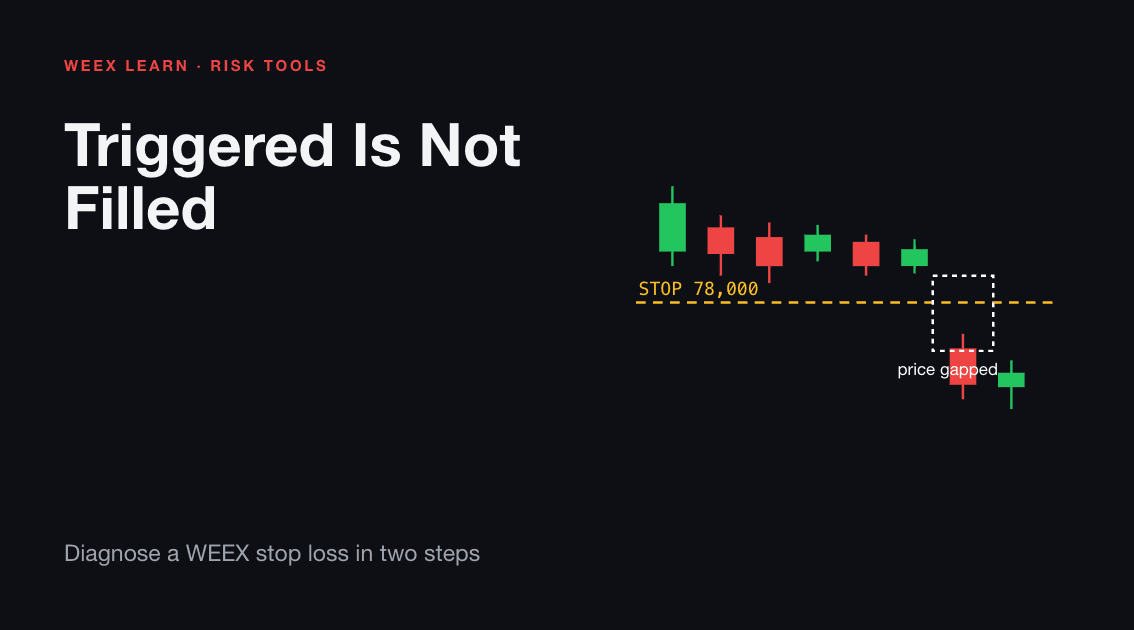
Binance Hack: $6.3B Laundering Trail and Recovery Progress
Is Strategy (MSTR) Being Removed From the MSCI Index? What Happens After November 30
Are Bitcoin Lightning Wallets Safe? 5 Security Warnings Since August
How to Buy ANT Stock on Day One: What Is Confirmed
Anthropic IPO: ANT Date, Price Range and Valuation
Jensen Huang Comeback Reports: Petition, War Room and Nvidia’s Response
Nvidia Earnings Date: Nov. 17, 2026 After the Bell, in Every Zone
Nvidia Earnings Preview: Q3 Results Land Days After Huang's Exit